

1. The default portal URL
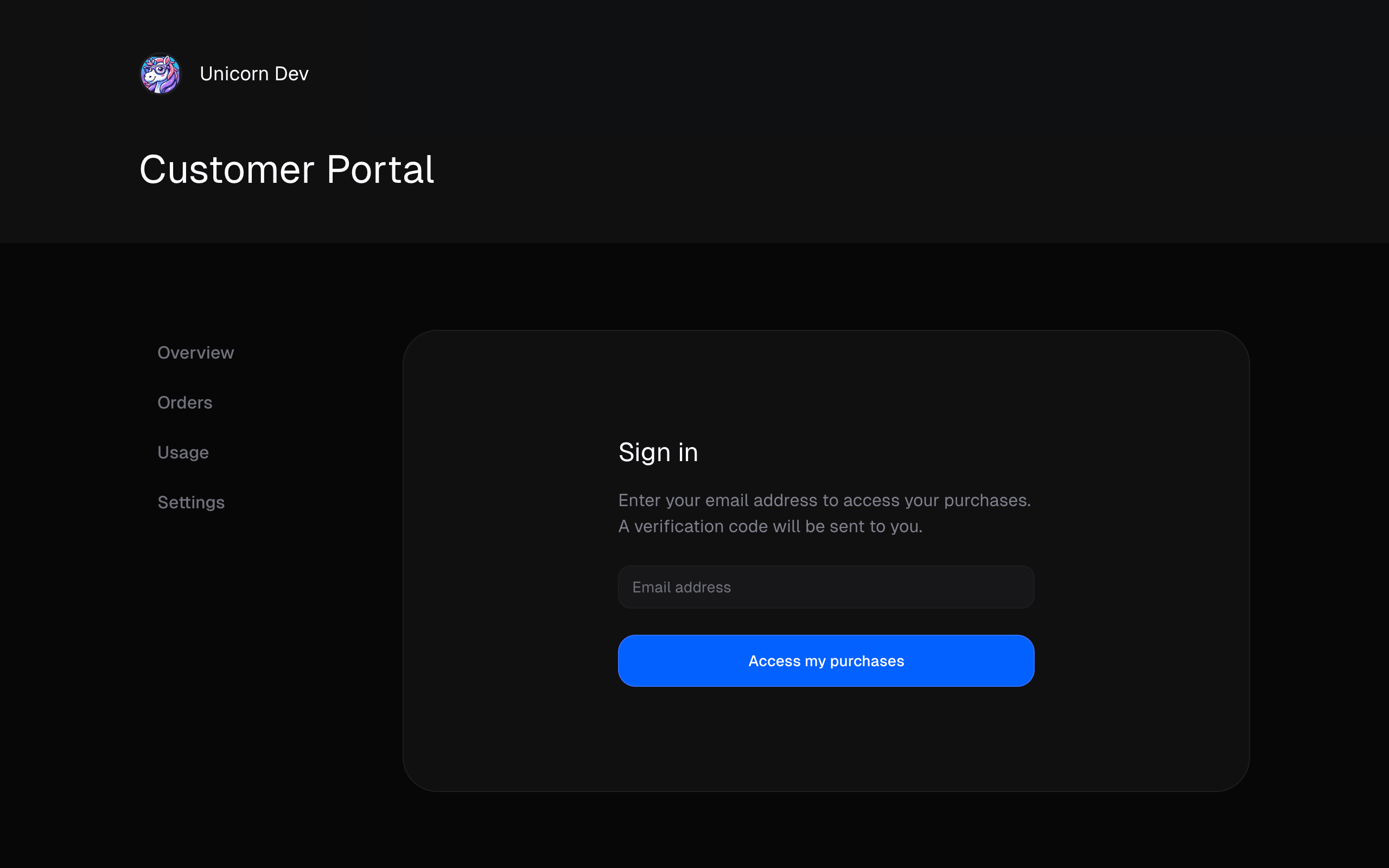
Every organization gets a Customer Portal hosted at: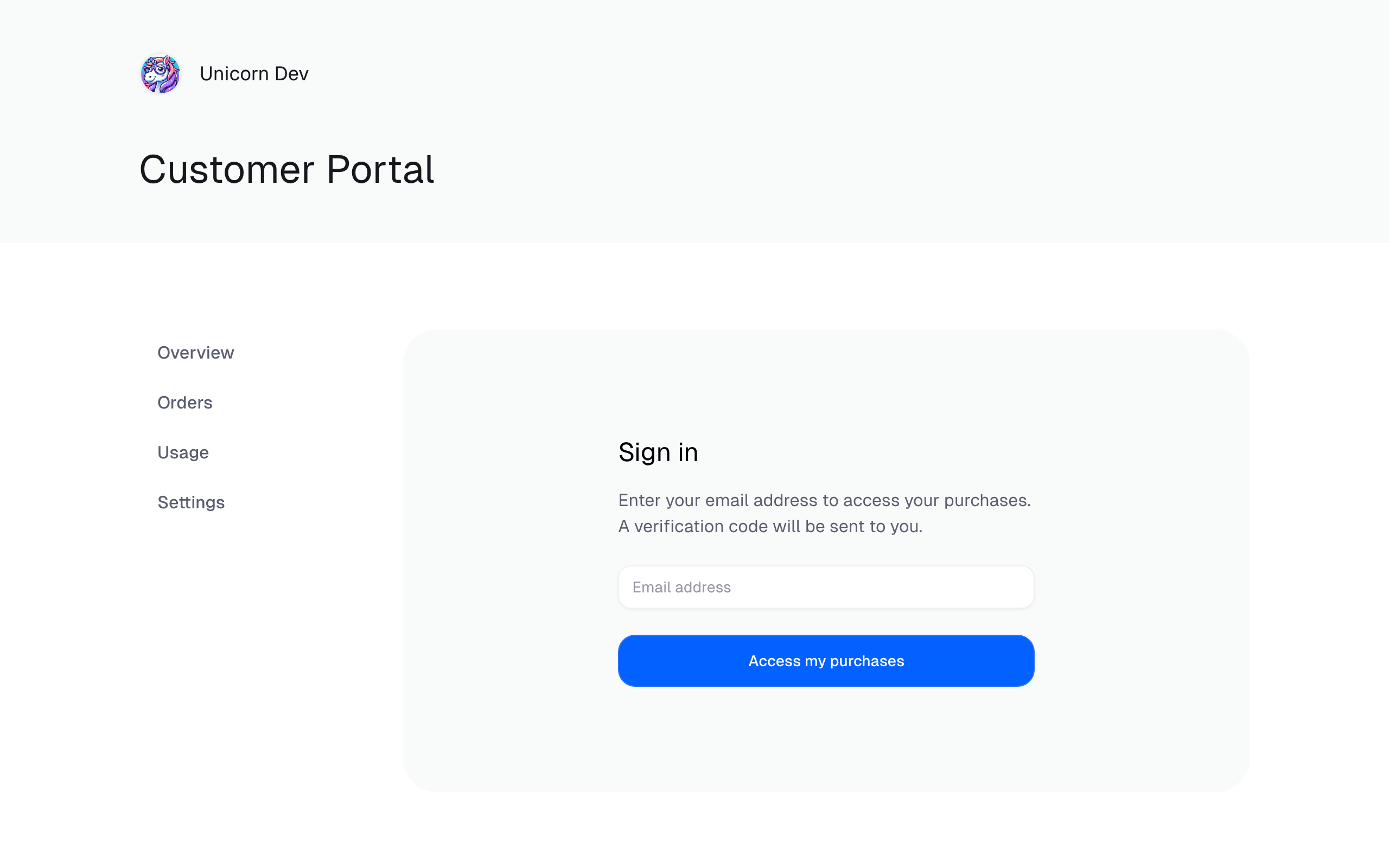
2. Pre-authenticated portal links
If your customer is already signed in to your application, you can generate an authenticated link that drops them directly into the portal — no email code required. Under the hood, this calls the Create Customer Session endpoint and redirects the user to thecustomerPortalUrl it returns.
@polar-sh/nextjs adapter wraps this into a single route handler:
/portal and your customer is one click away from managing their billing.
Customer Session tokens are short-lived. Always generate a fresh link at the
moment the customer clicks, rather than storing the URL.
3. Emails Polar sends to your customers
You don’t have to build anything to get customers to the portal — Polar already includes a link to it in the transactional emails we send on your behalf, including:- Order confirmation emails sent after a successful checkout
- Subscription renewal and subscription updated emails
- Failed payment notifications, so customers can update their card